Skip to content

Online booking without an app and without a customer account

Share your booking link or embed the form on your own website — your guests reserve in under a minute, no app, no sign-up.

Booking as easy as shopping

Party size, date, time — done. The mini calendar shows only real availability; fully booked days are grayed out right away.

What you can do with it:

  • Direct link or website embed
  • Automatic or manual confirmation
  • Configurable extra questions (allergies, requests)
  • Mandatory questions for specific dates only — e.g. menu choice on New Year's Eve
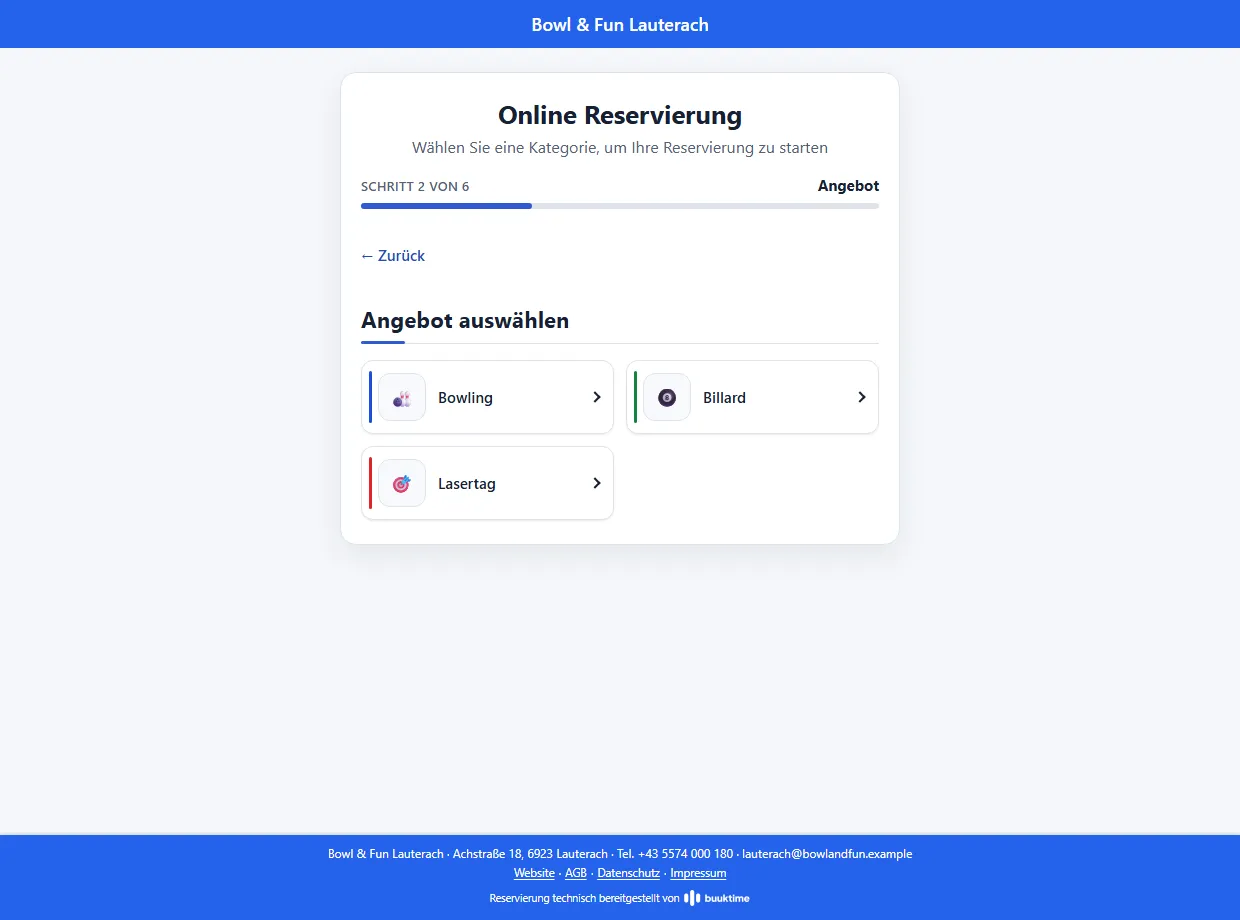
buuktime online booking: guests pick what they want to reserve

A waitlist that sells

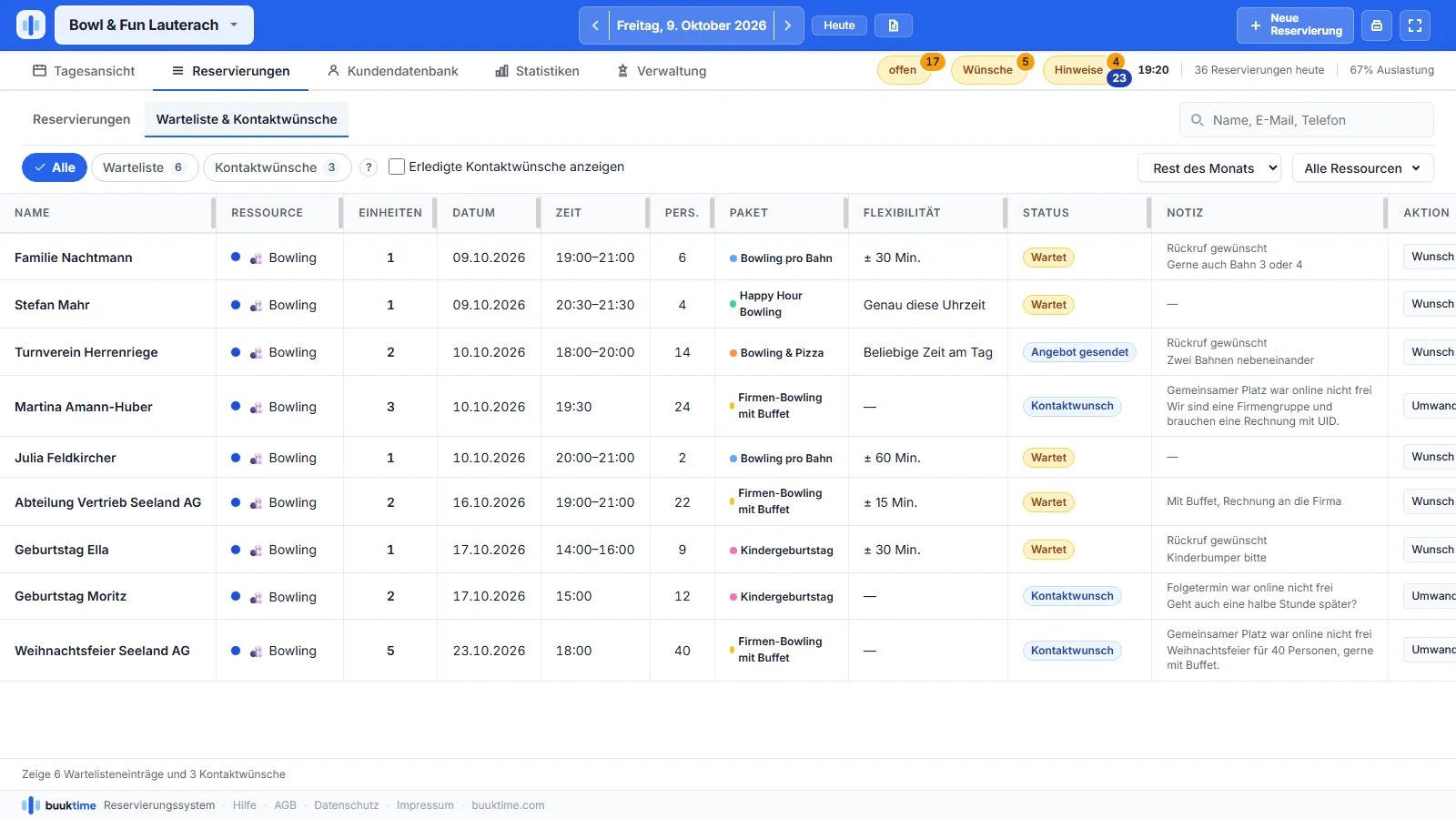
Fully booked? Guests sign up with their time flexibility. When a spot opens, AI-assisted matching suggests suitable candidates — one click, and the offer goes out by email.

What you can do with it:

  • Flexibility: exact, ±15 to ±60 min or the whole day
  • Matching by capacity & resource
  • Configurable acceptance window
buuktime reservation list with waitlist and open enquiries

Follow-up reservations that think ahead

Two-part experiences like "dinner first, then bowling" are booked by your guest as one package: both reservations in the right order. If you move one part, the calendar points you to the linked one.

What you can do with it:

  • Variants & add-ons with pricing logic
  • Happy hour and weekend pricing
  • Transparent price calculation for the guest
  • Direct link to a specific package — e.g. for your birthday campaign
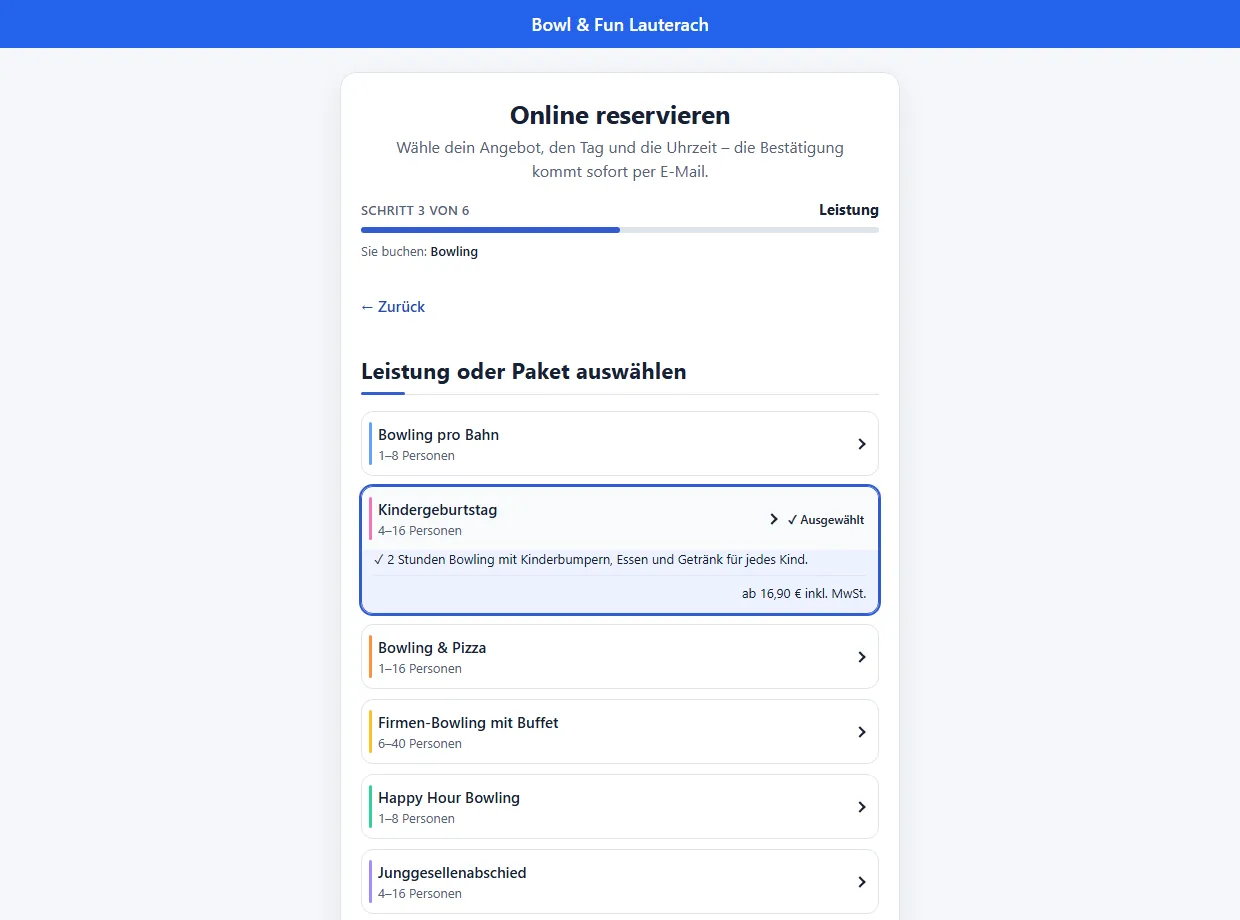
buuktime packages & follow-up reservations in the booking flow

Rules that fit your venue

Ninety minutes at lunch, longer in the evening: you set visit lengths by start time and group size. If the full duration is no longer free, buuktime can offer a shorter stay — only as short as you allow.

What you can do with it:

  • Visit length by start time and party size
  • Offer a shorter slot instead of "fully booked" — with a minimum duration
  • Large groups, busy days or selected packages only after your approval
  • Guests cancel themselves — within your deadline
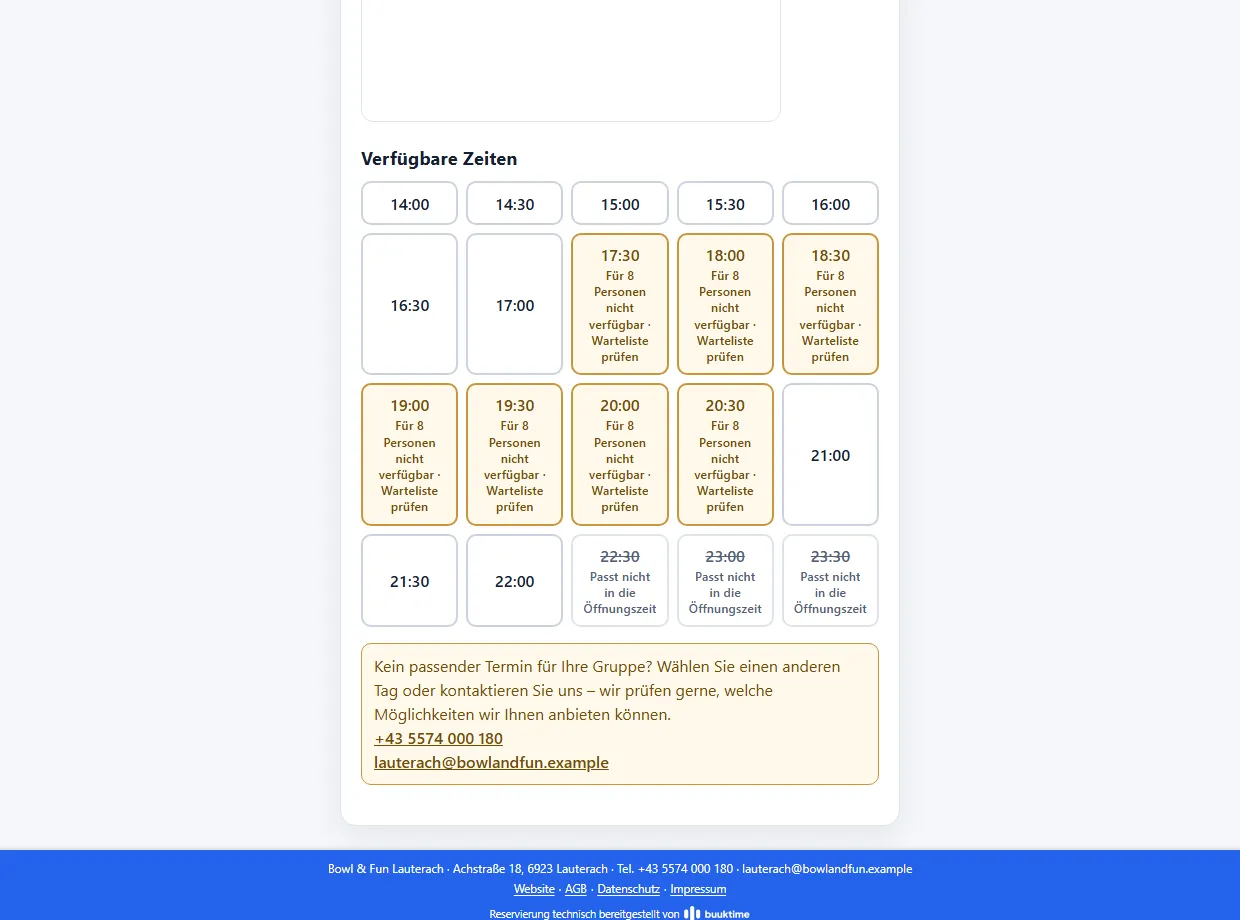
buuktime guest booking: available times matching party size and opening hours

All features at a glance

What buuktime includes — sorted by task and developed from real-world practice.

Online booking

Follow-up reservations Dinner first, then bowling — booked as one experience, automatically in the right order.
Visit length by rules Shorter at lunch, longer in the evening, more time for large groups — you set the duration by start time and party size.
A shorter slot instead of "fully booked" If the full duration is no longer free, buuktime offers a shorter stay — never shorter than your minimum.
Confirmation by your rules buuktime confirms regular bookings instantly. Large groups, busy days or selected packages you review yourself first.
Mandatory questions per date Menu choice on New Year's Eve? Set it as a mandatory question for that date only — asked automatically at booking.
Direct links to packages Your link leads straight to the location, the area or the right package — for example from your birthday campaign.
Self-service cancellation Guests cancel within your deadline themselves, no phone call. Linked packages are cancelled together.
Waitlist with matching When a spot opens, buuktime suggests suitable candidates — one click, and the offer email is out.

Calendar & team

View details
Scheduling that thinks along Reservations are placed automatically so groups stay together and gaps stay small — and you can overrule any of it by drag & drop.
Table combinations You define which tables can be put together. Online, guests only get those combinations.
Lane allocation for groups Adjacent lanes, lane dividers and bumper requests are taken into account by automatic allocation.
Group split Spread large groups across several lanes or tables — in two clicks.
Areas & seasonal seating Terrace, conservatory, hall: each area gets its own online rules and seasonal times.
Preparation time A buffer between two reservations for changeover, cleaning or preparation.
Double-booking protection Technically impossible — no lane or table is ever assigned twice, whether booked online or at the counter.
Reception in read-only mode After you sign out, the calendar stays visible on the paired workstation. Your team checks in confirmed guests with one tap; changes need their own PIN.
Roles & PIN login Everyone on your team sees exactly what they need — with an activity log.
Recycle bin Deleted by mistake? Restore reservations from the recycle bin.

Guests & growth

View details
Emails in your own style Confirmation, reminder, cancellation and thank-you — with your own logo and copy for dining, bowling & more.
Calendar button in the confirmation Guests add their visit to their own calendar with one click.
Participant groups Record children and adults separately — asked in a structured way at booking instead of just a total.
Package length by party size For group packages, buuktime calculates the right duration from party size and minutes per person.
Pricing rules & happy hour Time-based prices, variants and add-ons calculate themselves.
Analytics Occupancy, booking channels and areas over any period — knowledge instead of gut feeling.
Multiple locations Manage centrally, maintain packages once and use them across locations.
Go live with online status See what is still missing for online booking, check the preview and go live — or pause.

See for yourself — with your own venue.

Set up your venue today and take your first online booking this week.

90 days free · no credit card · ends automatically